TAG | caselaw

Oct 8, 2010

LexisNexis Rolls Out Lexis Advance for Solos

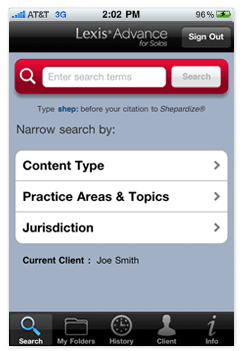
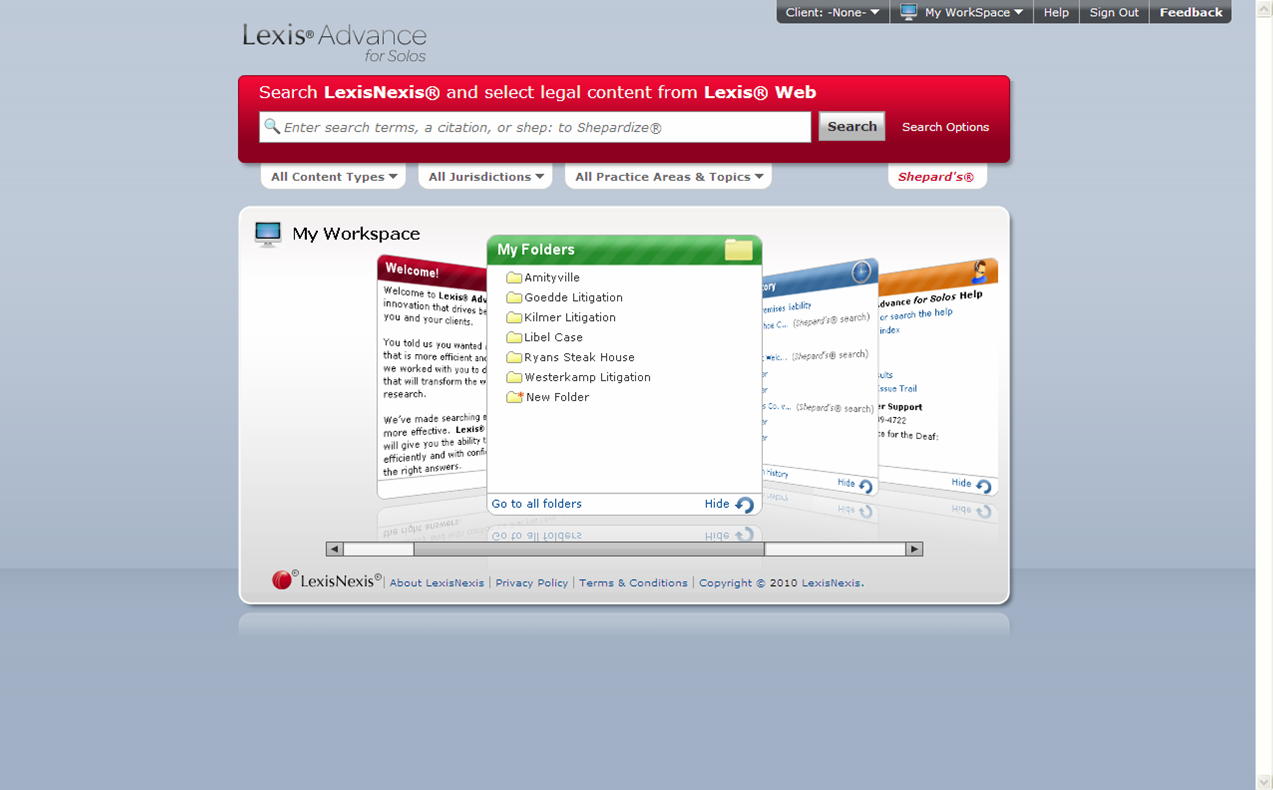
A busy schedule has kept me from reviewing Lexis Advance for Solos, the new LexisNexis legal research platform for one- and two-lawyer firms that LexisNexis released earlier this week. Today, I finally had a chance to sit down (in the virtual sense) with Lexis executives for a tour. There have already been several thoughtful reviews. [...]

Bookmark and Share

Jul 8, 2010

The WSJ Reports on Bloomberg Law

Last February, Law.com published my review of Bloomberg Law, in which I wrote, “Bloomberg’s biggest challenge may lie in convincing the legal market that it needs another high-end research service.” That is essentially the same conclusion reached by Wall Street Journal reporter Russell Adams, who writes about the service today in a piece titled, Bloomberg Hangs New Shingle.

Free trials Bloomberg gave to several prominent law firms expire this summer, Adams says, “and Bloomberg is busy trying to convert users into paying clients.”

Bookmark and Share

Jul 8, 2010

A New Research Service for Cases, Statutes

Promising a comprehensive legal research tool at an affordable price, a new legal research site, eLaw, launched yesterday.  Although the service provides access to case law and statutes for all 50 states, it is available only to attorneys in New York and New Jersey.

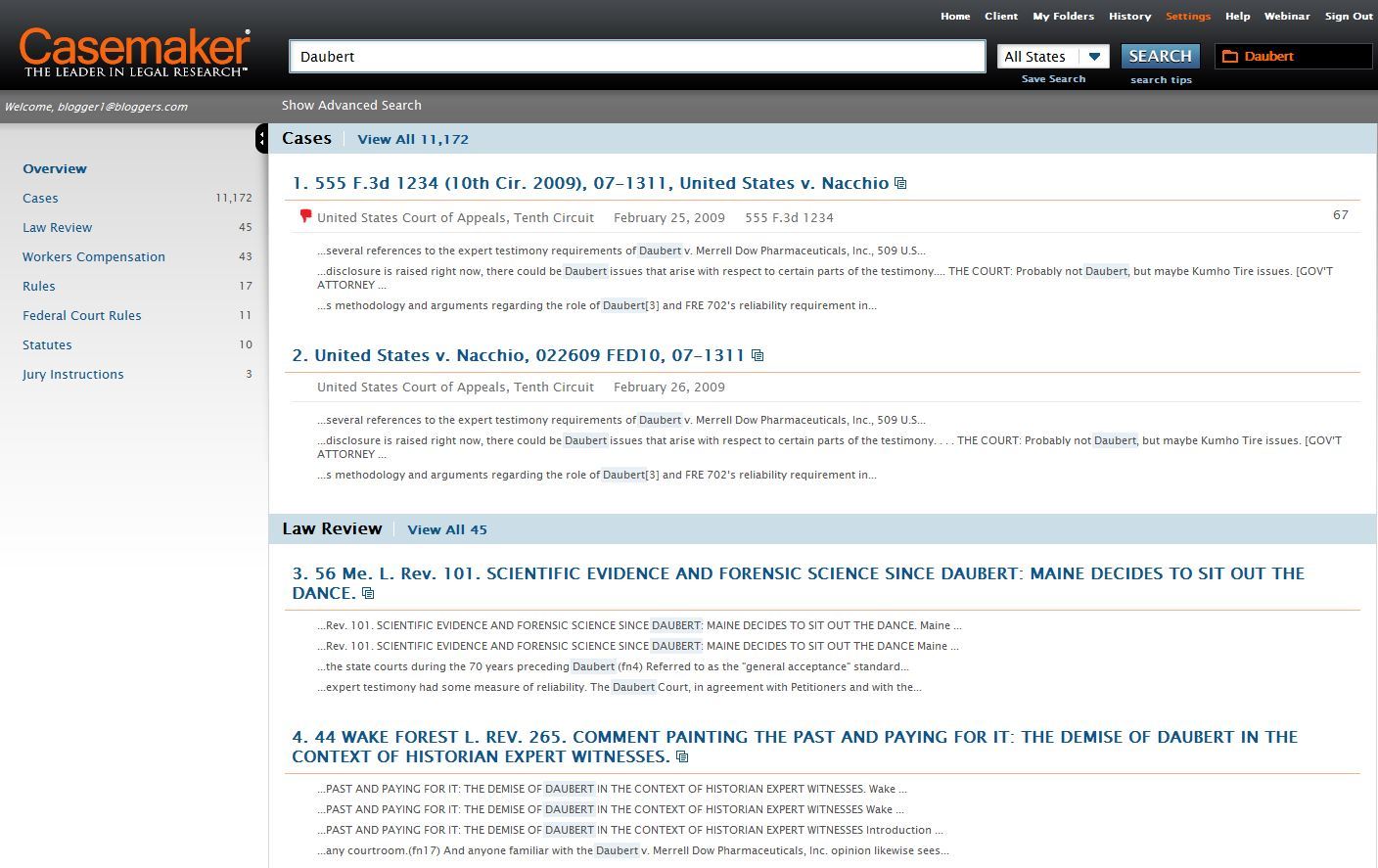
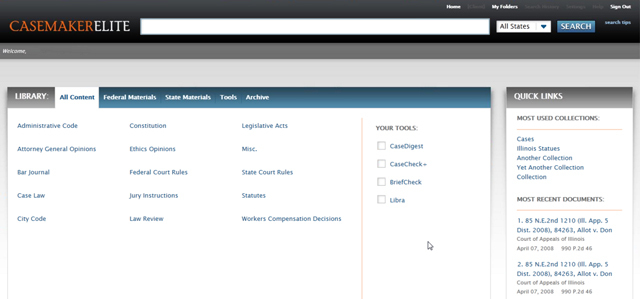
My guess is that the geographic limitation is because eLaw uses the Casemaker database. Casemaker is marketed primarily as a member benefit for state and local bar associations. That means a lawyer can subscribe to it only through a bar association affinity program.

As it happens, the two states in which eLaw is offering access to Casemaker are two states whose bars do not. New Jersey offers its members Fastcase and New York offers Loislaw. Thus, eLaw provides lawyers in those states a “back door” into Casemaker.

I have not tried eLaw yet. Subscriptions start at $25 a month, according to the site. Subscriptions can be bundled with eLaw’s other products, Dates & Dockets, a docket-monitoring and e-filing service for New York and New Jersey, and Bench & Bar, an online version of Lawyers Diary and Manual.

eLaw includes federal and state cases, as well as statutes, court rules, attorney general opinions, state administrative rules and select municipal codes.

Bookmark and Share

Jul 6, 2010

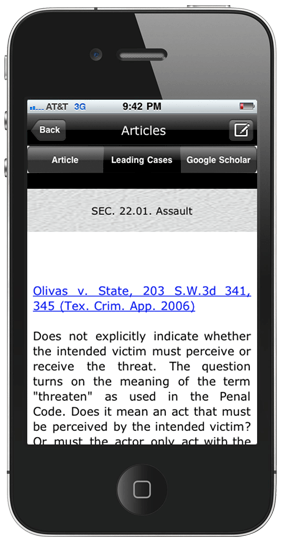
Preview of Fastcase’s App for the iPad

As I said here last week, Fastcase is preparing to launch an iPad version of its popular iPhone app. The iPhone app, which I first previewed in January, last week was named 2010 New Product of the Year by the American Association of Law Libraries.

Meanwhile, the iPad version of the app is ready to go and awaiting final approval by Apple. Once Apple gives the OK, the app will launch.

Until then, here are four screen shots provided by Fastcase.

Bookmark and Share

May 27, 2010

The Lawyer Who Took Down West’s Copyright in Court Opinions Has Died

It now seems almost ludicrous. But until fairly recently, legal publishing giant West claimed that it owned the copyright to federal court decisions. I’m not talking about the headnotes West writes or the key numbering it adds, I’m talking about basic information such as the name of the case, the date of the case, the names of the attorneys who argued it, and the page numbers of the opinions.

That all came to a screeching halt with the 1998 companion opinions of the 2nd U.S. Circuit Court of Appeals, both titled Matthew Bender & Co., Inc. v. West Publishing Co.158 F.3d 674 and 158 F.3d 693.  These were the David-versus-Goliath cases in which HyperLaw, then a publisher of Supreme Court and federal circuit cases on CD-ROM, challenged West’s longstanding claim of ownership and won.

Paul J. Ruskin was one of the lawyers who won those cases for HyperLaw and, in so doing, changed the course of legal publishing immeasurably. In fact, had it not been for those cases, there probably would not be the Google Scholar versions of the opinions I linked to in the previous paragraph, nor any of many other versions now freely available on the Web.

Ruskin died April 27 after a battle with cancer. A 1981 graduate of Antioch School of Law, he was admitted to practice in New York, Pennsylvania and the U.S. Virgin Islands.

His Web site is still up, as a memorial to him. On it, he provides a detailed synopsis of HyperLaw’s long battle in court.

Bookmark and Share

May 3, 2010

The Latest Review of WestlawNext

Back in January, I had the first pre-launch review of WestlawNext, West’s next-generation version of its legal-research service. Via a tweet today from Ron Coleman, I learned of an April 23 review posted at AALL Spectrum by Ryan Harrington, reference librarian at Yale Law School. Harrington’s bottom line: “I found the product to be a vast improvement over the previous model, but still flawed.” I recommend that you read his full review.

Bookmark and Share

Feb 27, 2010

Bloomberg Law: Can it be a Contender?

[The following column originally appeared in print in January 2010. I am republishing it as part of my continuing effort to maintain an archive of my published columns. Important note: I have not updated this since its original publication. While most of the sites remain as described, some may have changed. All information was current as of the date of original publication.]

Is there room in the legal market for a third high-end legal research service? That is the question as Bloomberg, a company known for its financial news, attempts to muscle in on the turf now occupied by Westlaw and LexisNexis. In December, it officially launched its comprehensive, Web-based service, Bloomberg Law.

For Bloomberg, it is a radical move. It is the first time the company has untethered a major information product from its trademark terminals. The terminals are ubiquitous in financial firms but have never achieved significant presence in law firms. This Web-based product represents Bloomberg’s concession to the legal market’s lack of interest in its terminal-based services.

For the legal market, the move is brazen. Bloomberg seeks to stake out a claim on terrain where West and Lexis have had years to shore up fortifications. In taking on these services mano-a-mano, Bloomberg differentiates itself as the only one that integrates legal content with proprietary news and business intelligence.

Bloomberg’s biggest challenge may lie in convincing the legal market that it needs another high-end research service. The trend in research is towards lower cost services and more open access to legal materials. Bloomberg would seem to be swimming against the tide.

One way Bloomberg will compete is by offering a uniform, fixed price as a counterpoint to the cryptic and confusing pricing plans of West and Lexis. A Bloomberg subscription is $450 per user per month. That is not cheap, but it covers all usage and is less than firms would generally pay to West or Lexis. It also offers a floating license for $1,250 a month that covers five users, but allows only one to log in at a time.

Swagger and Substance

Price aside, the bigger question is how Bloomberg measures up as a legal research service. This much is clear: Bloomberg is getting into the game with swagger. Not only is it loading up on primary legal content, but it is also creating reams of editorial enhancements. It has developed its own citator to rival Shepard’s and KeyCite, its own headnotes, and its own numbering system to rival West’s key numbers.

To accomplish all this and bring itself up to competitive speed, Bloomberg hired an army of lawyers – some 500 now on the payroll, I was told – and has them nose to the grindstone writing headnotes, tagging cases and readying a law digest.

One of those lawyers recently gave me a tour of Bloomberg Law and then gave me a trial account so that I could explore it on my own. (I cannot tell you his title because Bloomberg’s egalitarian structure does not allow job titles.)

A Work in Progress

My overall impression of Bloomberg Law was of a luxury yacht only partially constructed. It looks impressive and many parts of it are fitted out with top-of-the-line features. But as you wander around its decks, many doorways open to unfinished, empty rooms. It is seaworthy, one assumes, but still has a lengthy punch list.

This is ambition exceeding execution, perhaps. Take the Bloomberg Law Digest, for example. It is touted as a detailed index of legal topics collecting key cases, statutes, regulations and other materials. So far, however, many of the topic headings lead only to blank pages, still awaiting content from that army of lawyers.

Cases are another example. Bloomberg’s library of cases is complete, in that it has full collections of all federal and state appellate decisions and trial-court libraries on a par with those offered by West and Lexis. The cases include pagination.

However, Bloomberg Law’s reference guide and marketing materials say that cases include staff-written headnotes and points of law. Some do, but in my trials, the majority of the cases still do not have headnotes. Click the button that is supposed to display the headnotes and instead you get a message, “No headnotes available.”

One strong and fully executed feature is the Bloomberg Law Citator, Bloomberg’s answer to Shepard’s from LexisNexis and KeyCite from West. As you view a case, an icon alerts you to its status and a panel to the right shows a graphical summary of subsequent citations. A click of a button opens an in-depth analysis showing the case’s direct history, citation history and a list of the cases it cited.

A nice feature of Bloomberg is docket searching, covering federal dockets and selected state and international dockets. It is the only legal research service that has complete U.K. dockets, I was told. It also provides tracking and alert services for federal legislation and regulations.

A Marriage of Law and News

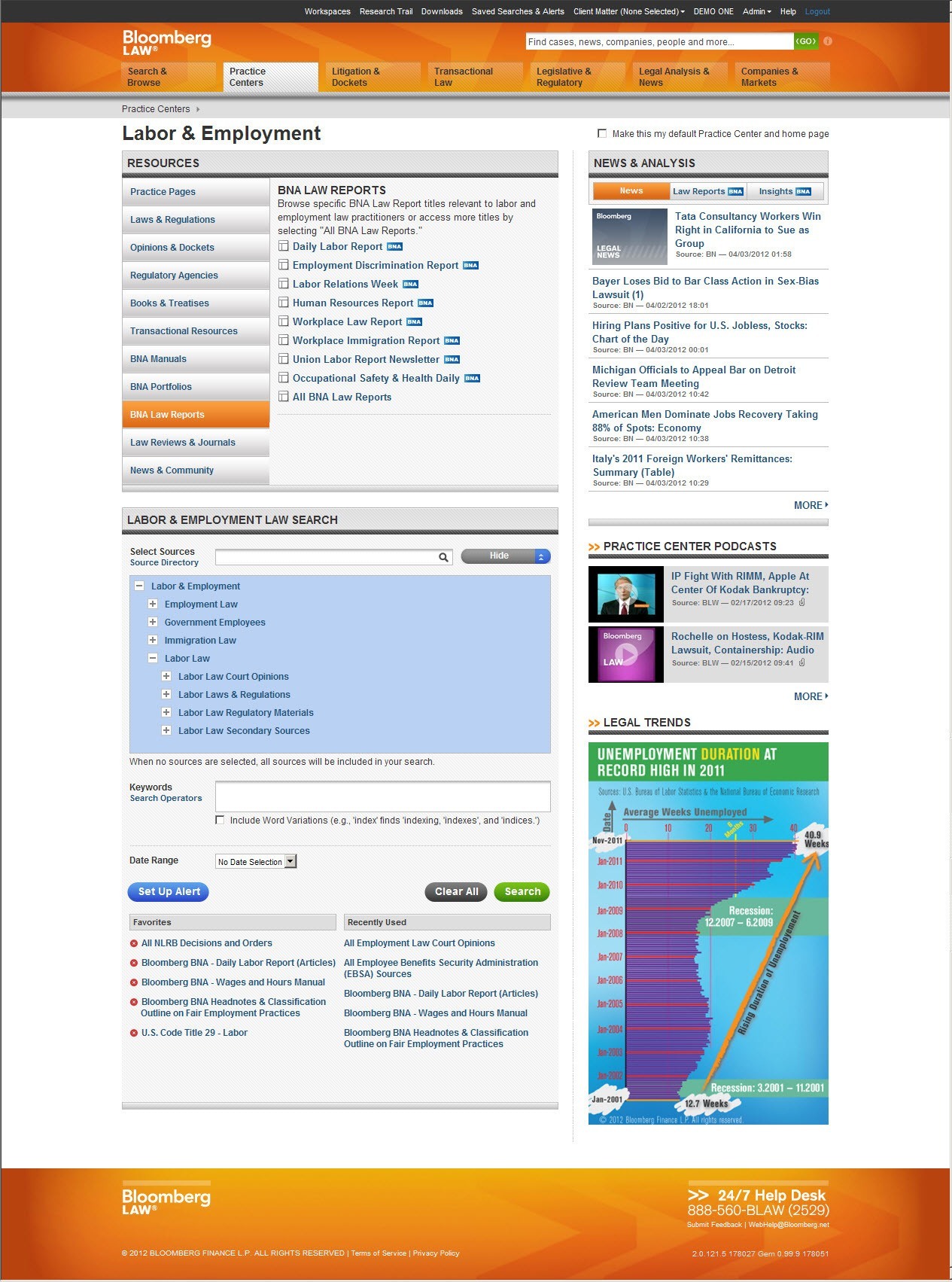
A key emphasis of Bloomberg Law is the marriage of legal research and current awareness. The idea is to provide lawyers with primary legal content while also enabling them to monitor their clients’ industries and businesses. It does this well, integrating law and news seamlessly in a number of ways.

To this end, the home page replicates a news terminal. The lead legal news story tops the page and legal headlines appear in a box to the right. The page’s lower half has tabs allowing you to choose among Morning Legal Briefings, daily reports of top news in various practice areas; Law Reports, more in-depth stories covering court and legal developments; and top news from around the world or filtered by topic or region.

The front page also has a watchlist where you can track company stocks and click through to in-depth information and news about the company. Every public company has a page. Among other things, the pages list all recent filings in which a company is named, including from court dockets and SEC filings.

A Design that Shines

One aspect in which Bloomberg Law shines is its design. It is fast, intuitive and thoughtfully arranged. I especially like that – as do most modern browsers – it uses tabs, opening new documents in separate tabs so that you never lose your research trail or have to backtrack through it.

Searching on Bloomberg Law is quick and uses either Boolean or plain-language queries. A search can be run broadly across a range of content types (e.g., court opinions, dockets and statutes) or more narrowly by jurisdiction, practice area or industry. Filters allow easy refinement of search results by topic and industry.

The Research Trail feature automatically saves all research and documents and stores them indefinitely for later retrieval. Another feature, Workspace, allows you to save research and documents in folders and share them with colleagues. Sharing can be done only within your own firm.

Tabs across the top of the screen provide ready access to a user’s Workspace and Research Trail, as well as to saved searches and alerts. Users can set alerts for virtually any type of content on Bloomberg Law.

The left-hand navigation pane collapses with a click to provide more viewing space on the screen. The pane provides links to all of the main sections of Bloomberg Law and also to a collection of practice-area pages. These pages highlight recent court opinions and articles related to the practice area, link to key resources for the area (including blogs), and provide shortcuts to search core libraries related to the practice.

Bloomberg of
fers a telephone and e-mail help desk staffed 24/7 by lawyers, law librarians and paralegals. I e-mailed the help desk at nearly midnight about a log-in problem and received an answer within minutes, much to my surprise.

Will it Float?

For now, Bloomberg Law is a work in progress. It remains to be seen whether, once construction is completed, there will be sufficient demand for it in the legal market.

The product is targeted at larger firms, but also at smaller firms with a need for robust docket searching and financial intelligence. Few large firms are likely to dump West or Lexis and switch solely to Bloomberg Law. That means they are likely to buy this only if they see it as a necessary add-on to their research arsenal or a partial substitute for higher-priced services.

Law firms heavily involved in securities and finance are most likely to buy Bloomberg Law, given its melding of law and financial news. For the broader legal market, Bloomberg Law has a tough sell ahead and a lot of work to complete in the meantime.

Copyright 2010 Robert J. Ambrogi

Bookmark and Share

Feb 16, 2010

Bloomberg Law: My Extended Review

Law.com now has my extended review of Bloomberg Law, the new legal research service that aims to muscle in on the turf now occupied by Westlaw and LexisNexis.

(Also see my post earlier this week about the Bloomberg Law biometric doohickey.)

(Note: The Law.com version is now behind a paywall. You can find another version of my review here: Bloomberg Law: Can it be a Contender?)

Bookmark and Share

Feb 1, 2010

LexisNexis Unveils Office Integration Today

Lawyers spend much of their time at their computers, and much of that time using Microsoft Word or Microsoft Outlook. In recognition of that, LexisNexis today is announcing a major new product that integrates search and other tools directly within Word and Outlook. Called Lexis® for Microsoft Office, the product is an add-on to Office that lets lawyers access these tools as they work within Office applications.

Simply put, the product splits the screen within an Office application and brings results and information right into the application, whether it is Word or Outlook. Notable about the product is that it enables powerful and intuitive search within Office not just of the LexisNexis database, but also of the open Web and of a firm’s own document management system, all simultaneously and all with just a couple of keystrokes.

The product adds three primary search components to Word and Outlook. Results are displayed alongside the document or e-mail, so you see both simultaneously. The three components are:

  • Search. From a single search box within Word or Outlook, run a search that spans LexisNexis, the Web and your firm’s internal database or DMS. Results from all sources are displayed in a pane next to the active document.
  • Background. Click this button to search for background information on “entities” within a document or e-mail. An entity could be a person, company, organization or case. The button automatically indexes the working document with hyperlinks to relevant information from LexisNexis, the Web and internal resources. Click the hyperlink to view the information in the side pane. The Background feature will also display full Shepard’s reports and apply Shepard’s SignalTM indicators directly to the cases cited within the text of the document. Full text versions of case law, news and information cited within an e-mail message or Word document can also be accessed through the lexis.com® resources directly within the Microsoft software application.
  • Suggest. Similar to the Background function, this functionality interacts with any text in a Word document or Outlook message. By manually highlighting any portion or block of text, the user can prompt a search that will pull up relevant information from internal, LexisNexis and Web resources. The content is displayed in a side pane within the application.

For lawyers who are connected to SharePoint Server and Microsoft SharePoint Workspace, this tool also provides the ability to store, organize and share documents on a related topic from a SharePoint site. SharePoint can also act as an internal company database from which Lexis for Microsoft Office pulls information.

Although LexisNexis is announcing Lexis for Microsoft Office today at LegalTech in New York, the product will not immediately be available. It will launch for Microsoft Office 2007 in spring 2010, the company says, and will be available with Microsoft Office 2010. It will not work on older versions of Microsoft Offfice. To access and use the product’s capabilities, users will require a current LexisNexis subscription.

Lexis developed the product in conjunction with engineers from Microsoft Corp. It has been beta testing the product with law firms for several months and refining it based on their input. Lexis says the testers have been enthusiastically pleased with their ability to access key information about a document from directly within Office.

Even as Lexis readies this product for release, the company is engaged in a parallel effort to broadly overhaul its core research product, with changes in the works for its technology, design and functionality. The initial release of that will be later this year. A spokesman I talked to described the product being announced today as “the first step in our journey of reinvention.”

Bookmark and Share

Jan 29, 2010

WestlawNext: More Screen Caps

As a follow-up to my post earlier this week with a first look at WestlawNext, here are a half-dozen screen caps provided by West:


Bookmark and Share